
SkynetAccessibility Video Subtitle

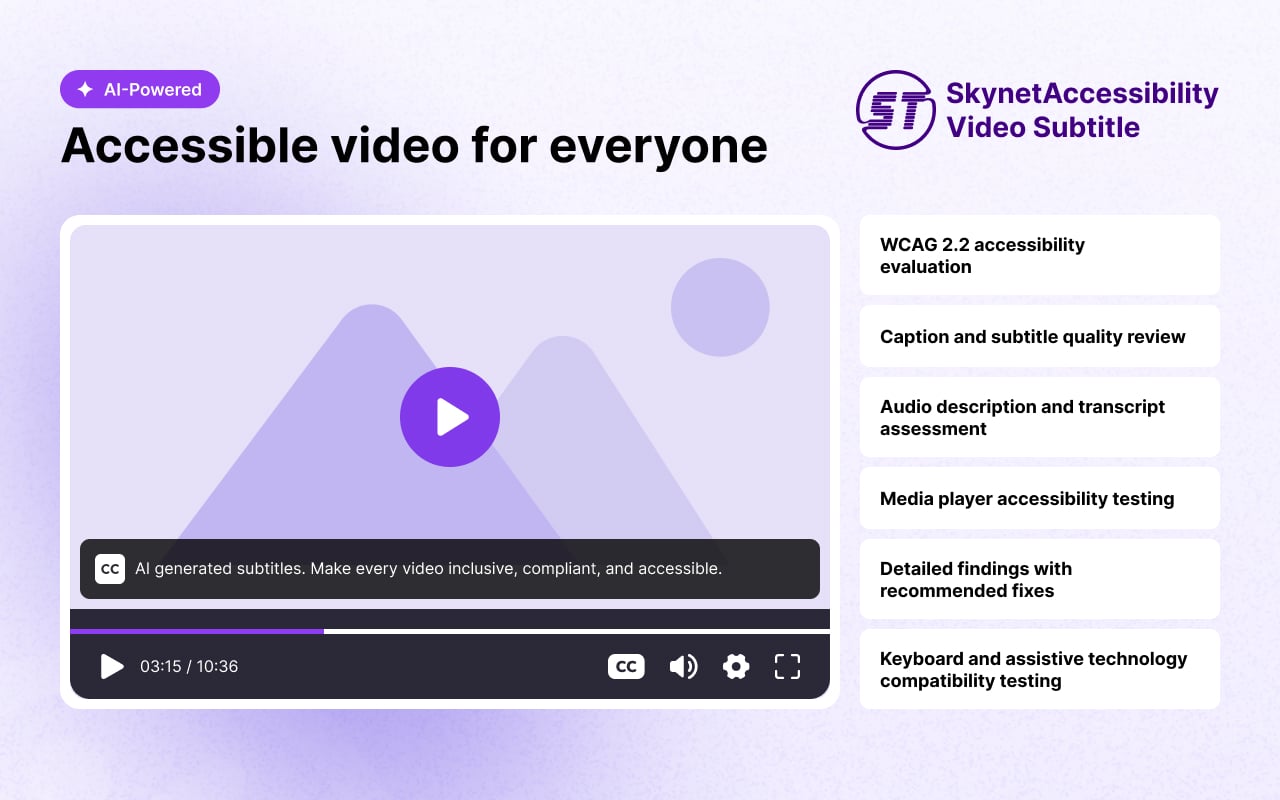
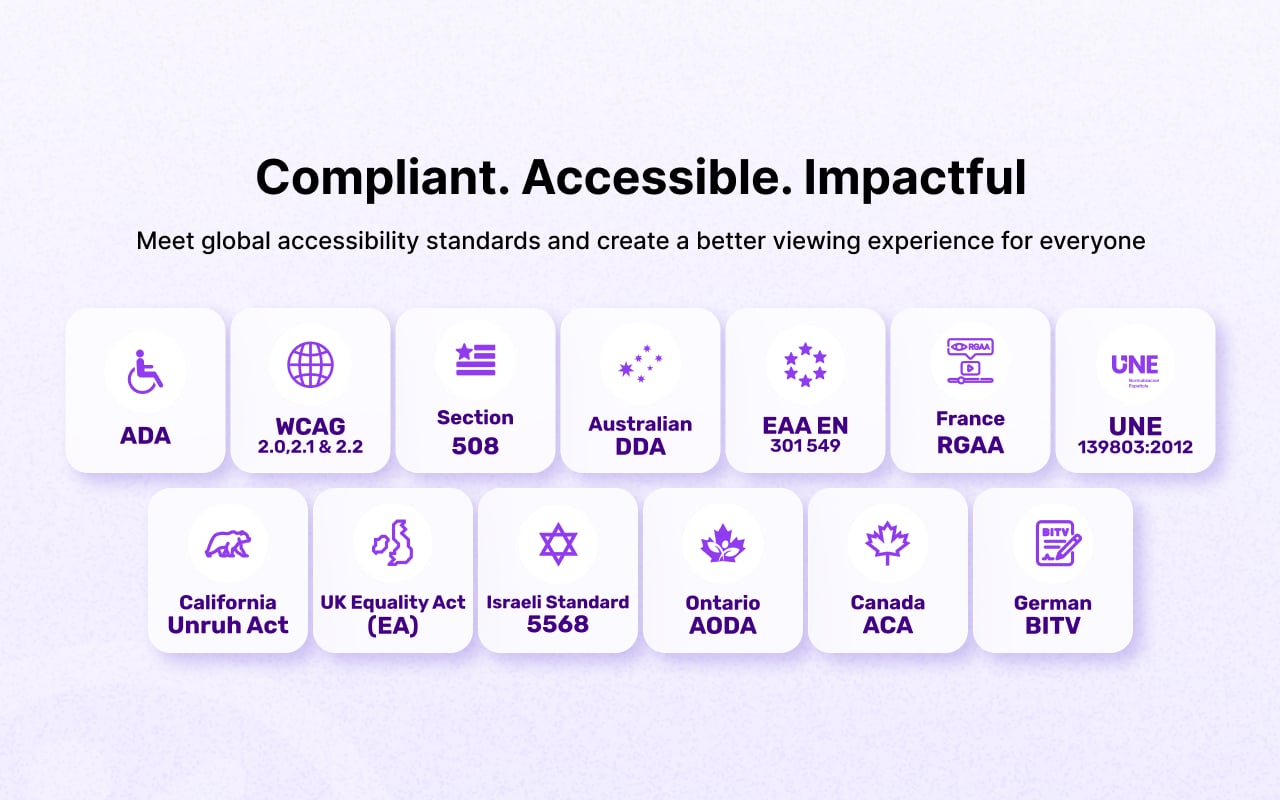
Improve the accessibility of your website videos by automatically generating synchronized subtitles using AI-powered speech recognition. It integrates with AbanteCart, making it easier to publish accessible multimedia content without manually creating captions. Supports accessibility initiatives aligned with WCAG 2.1, 2.2, ADA, Section 508, and EAA EN 301 549, where applicable.
Features
- Quick subtitle processing
- Compatible with YouTube, Vimeo, and self-hosted video platforms
- Audio and video summary report
- Simple installation and configuration
- Support for existing and newly published videos
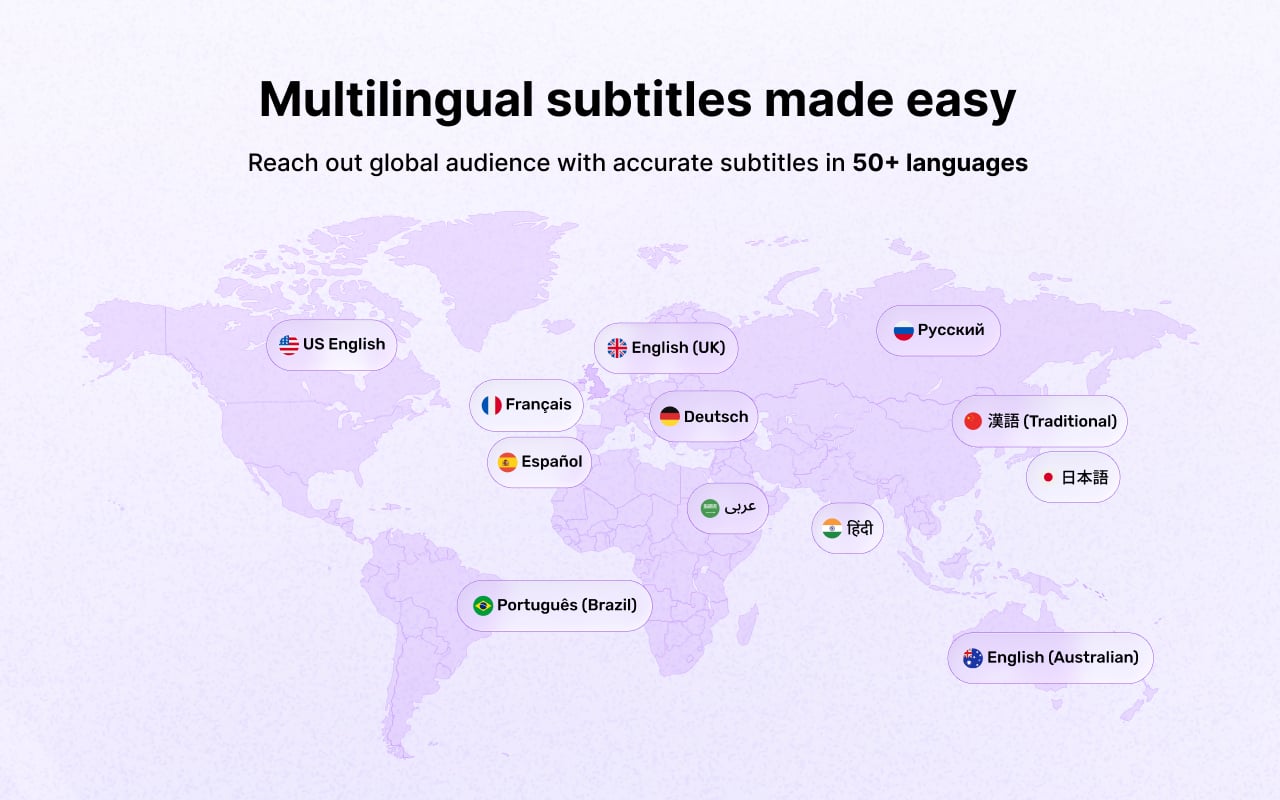
- Supporting over 50+ multi-languages
- Unlimited video subtitle processing throughout the selected plan
- Control Panel analytics dashboard: videos remediated, total time limit, spent and remaining duration, per-language breakdown, and a video library
Ideal For
Blog videos, news videos, tutorials, landing page videos, announcements, interviews, webinars, and embedded media.
Pricing and Plans
Note: Unlimited number of video subtitle processing is available within the selected plan's total playback time.
Prerequisites
- AbanteCart 1.4 or later
Steps
Install via the AbanteCart Administration Panel (Recommended)
- Log in to your AbanteCart Administration Panel.
- Go to Extensions → Install Extension.
- Open the Extension Upload tab.
- Click Choose File / Browse and select the downloaded SkynetAccessibility Video Subtitle extension package.
- Click Continue.
- AbanteCart will upload and install the extension package.
- After the installation is completed, go to Extensions → Extensions.
- Locate SkynetAccessibility Video Subtitle in the extensions list.
- Click Install if the extension has not yet been installed.
- After installation, click Edit / Settings for SkynetAccessibility Video Subtitle.
- The SkynetAccessibility Video Subtitle dashboard will open for your AbanteCart store.
- Follow the dashboard instructions to configure the extension and generate subtitles.
- Go to Extensions → All Extensions.
- Locate SkynetAccessibility Video Subtitle.
- Click Edit/Settings.
- Select the required plan and subtitle language.
- Follow the dashboard instructions to generate subtitles for your videos.
https://abantecartaccessibility.skynettechnologies.us/
To avoid CORS policy issues, ensure the following URLs are allowed on your website. These URLs should be added to your CORS configuration or trusted domains list.
Instructions
- Update your server's CORS configuration to include these URLs.
- Ensure wildcard subdomains (
https://*.skynettechnologies.com) are supported where necessary. - Verify the application functionality by testing requests to these domains.
- If issues persist, consult the documentation for CORS configuration guidance.
Screenshots
Support Options
Submit a Support Request
Please visit our support page and fill out the form. Our team will get back to you as soon as possible.
Send Us an Email
Alternatively, you can send an email to our support team:
hello@skynettechnologies.com
Accessibility Partnership Opportunities
Accessibility Agency Partnership
Partner with us as an agency to provide comprehensive ADA, EAA, and WCAG accessibility solutions to clients. Get access to exclusive resources, training, and support to implement and manage accessibility features effectively.
Accessibility Affiliate Partnership
Sign up for our affiliate program and earn commissions by promoting our accessibility AbanteCart addon. Share our widget with your network and help businesses improve their website accessibility while generating revenue.
For more details, explore the
Accessibility Partnership Opportunities Page.
Credits
This addon is developed and maintained by website accessibility company - Skynet Technologies USA LLC
Current Maintainers


Single Installation License
Single installation, is for use by single site or one copy of application using this extension

skynet
| From | United States |
| Member since | May 07, 2024 |
| Avg. Response Time | 1 days, 12 hours, 18 minutes |
Viewed 5 times
Details
| Extension ID: | skynetaccessibilityvideo |
| Extension Latest Version: | 1.0.1 |
| AbanteCart Version: | 1.4+ |
| Created: | Aug 25, 2026 |
| Last updated: | Sep 15, 2026 |


Posted 0 comments